Error when opening


When opening a tds for the first time, you will usually get an error when connecting to the SQL database.
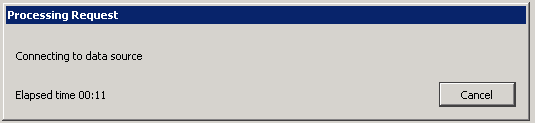
(Click Cancel to speed the process along.)
After trying to connect for a minute, it will open DataSelf Desktop without a connection to the SQL data, as indicated by the ! .
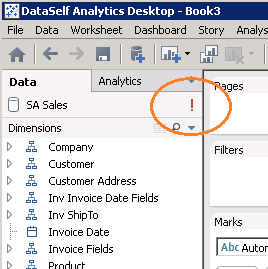
To connect, you will need to modify the SQL instance name.
Older versions of DataSelf Desktop may display a different connection error message. In any case, clicking Cancel still works: you will then have the option to change the connection address.