Parameters


Use caution when considering adding a parameter to a data source. Where possible, add the parameter later, within the twb file of the reports that use it, instead of to the master data source itself.
Parameters that have a fixed list of values should be added to the data source AFTER the extract is created. Otherwise, the extract process memorizes the one selected parameter value and fixes "in concrete" all the calculations or filters that use it. I.e. the calculation will be pre-calculated and unable to change with the change of the parameter selection.
In this case, it is usually easier to just make the parameter and the related formulas in a twb (workbook) and not attach them directly to the data source publishing process.
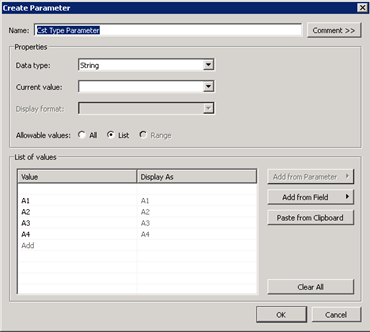
Example of a fixed-list parameter:
However, parameters with allowable values of All or Range do not suffer from this problem, and can safely be included in an extract.