Row level security - Automated for Salespeople


Calculated fields that are conditional on the user's login can be used to filter which data rows that user can see. The user can edit and create reports based on this data source, but should not have data source editing rights.
(The typical use case is that all the salespeople share the same reports, but each salesperson sees only his own customers' records.)
Tableau knowledge base article on row level security and user filters
The following tips may also help you to get started.
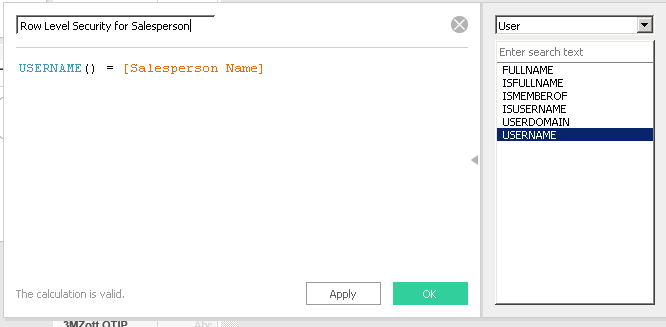
A very simple example:
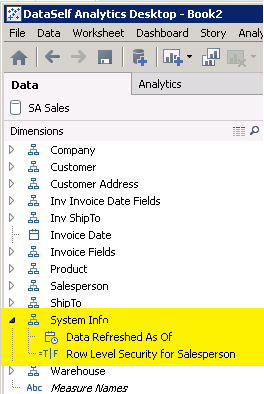
Tuck the filtering field out of the way by moving it into the System Info hierarchy.
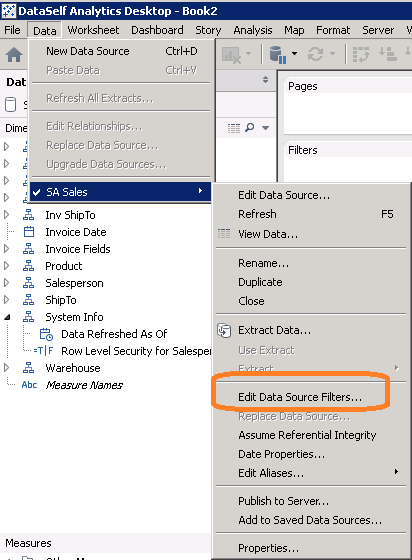
In Desktop, log onto the server (Server menu > Sign in).
A list of Users and Groups on the server will appear in the lower frame.

Select a user or group and see how your report changes.